TM EasySURF 50 in 2026: Promo Inclusions, App Bundles, and How to Subscribe
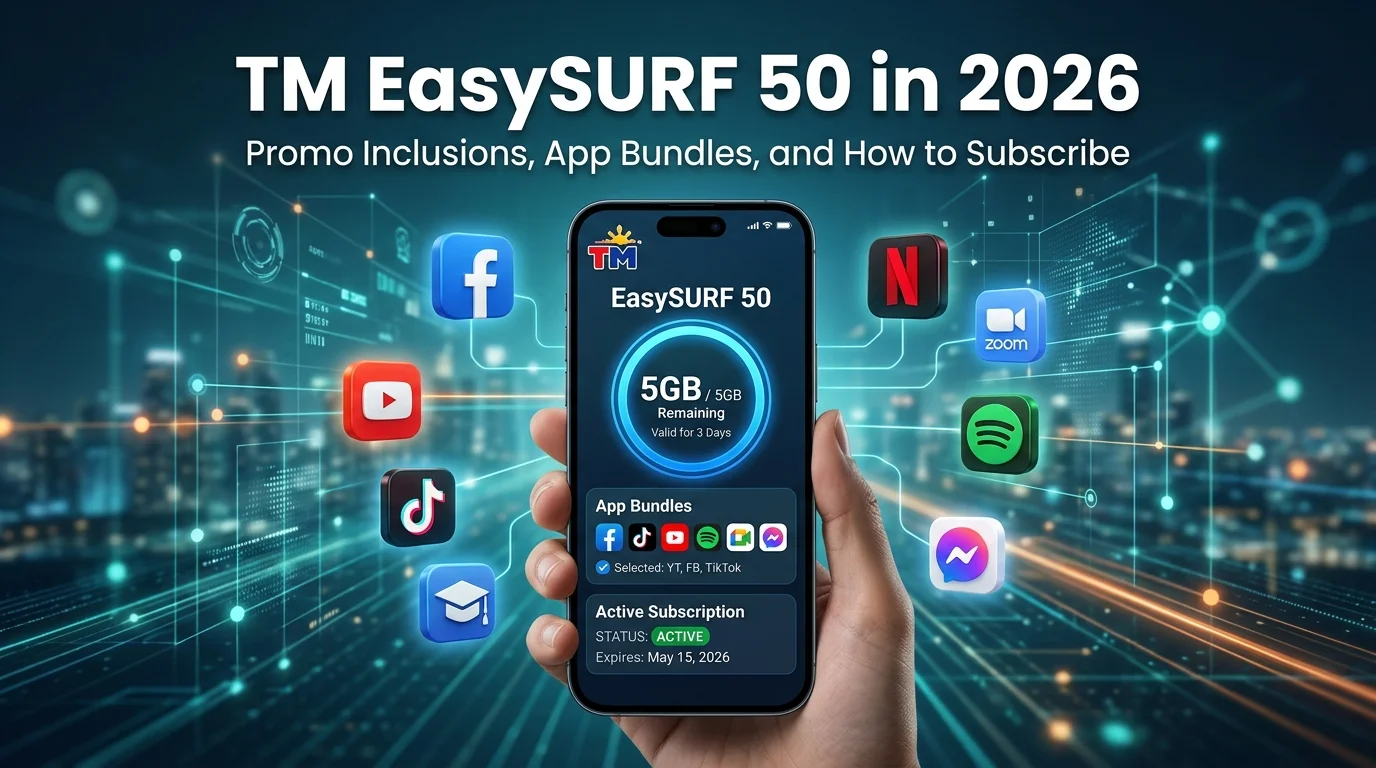
TM EasySURF 50 is a budget-friendly prepaid promo that provides mobile data and a free app bundle for daily internet use. Many TM users choose this promo for browsing, social media, messaging, online classes, and light streaming. Before activating TM promos, make sure your TM SIM Registration is complete to enjoy uninterrupted access to TM services.
This guide covers TM EasySURF 50 promo details, registration methods, app bundles, balance checking, promo extensions, and common issues.
What Is TM EasySURF 50 Promo?
TM EasySURF 50 is a prepaid mobile data promo designed for users who need affordable internet access for everyday activities. The promo combines open-access data with a free app bundle, allowing users to browse websites and use selected apps without consuming their main data allocation too quickly.
Many TM subscribers use EasySURF 50 for social media, messaging, online learning, video streaming, and light gaming. The promo offers a practical option for users who want reliable mobile internet without committing to more expensive weekly or monthly plans. Users who require longer validity or larger data allocations can also explore other available TM unli data promos based on their internet needs and budget.
TM EasySURF 50 Promo Details
TM EasySURF 50 offers a combination of mobile data and app-specific data for users who need affordable internet access. The promo is suitable for browsing, social media, messaging, online classes, and other daily online activities.
| Feature | TM EasySURF 50 Details |
|---|---|
| Promo Price | ₱50 |
| Validity | 3 Days |
| Open Access Data | 1GB |
| Free App Data | 1GB per day |
| GoWiFi Access | 1GB |
| Registration Keyword | EZ50 / EasySURF50 |
| Registration Methods | SMS, *143#, GlobeOne App, GCash |
The included app data can be used with selected app bundles depending on the category chosen during registration. Promo inclusions and available freebies may change based on current TM offers.
Available App Bundles for TM EZ50
TM EasySURF 50 lets users customize their promo experience through free app bundles. Instead of giving the same apps to everyone, TM allows users to choose a bundle based on how they use mobile data. This helps users get more value from their daily app allocation while keeping their open-access data available for other online activities.
FunALIW for Entertainment Lovers
FunALIW is designed for users who spend most of their time watching videos, browsing social media, or playing mobile games. It helps entertainment-focused users enjoy their favourite apps without consuming their regular data allocation too quickly.
| Feature | Details |
|---|---|
| Bundle Name | FunALIW |
| Daily App Data | 1GB per day |
| Best For | Entertainment and Gaming |
| Supported Activities | Video streaming, social media, mobile gaming |
| Validity | 3 Days (with EasySURF 50) |
FunACHIEVE for Work and Communication
FunACHIEVE focuses on productivity, communication, and online learning. Students, remote workers, and users who regularly attend virtual meetings often choose this bundle because it supports apps used for collaboration and communication.
| Feature | Details |
|---|---|
| Bundle Name | FunACHIEVE |
| Daily App Data | 1GB per day |
| Best For | Work, Study, and Communication |
| Supported Activities | Online meetings, messaging, collaboration, learning |
| Validity | 3 Days (with EasySURF 50) |
The available apps inside each bundle may change over time as TM updates its promo offerings. Always check the latest bundle details before selecting your preferred freebie.
How to Register TM EasySURF 50 Promo
TM users can activate EasySURF 50 through several convenient registration methods. Whether you prefer SMS, the *143# menu, the GlobeOne app, or GCash, the process only takes a few minutes. Before registering, make sure your TM SIM has enough balance to cover the promo cost. Users who need a larger weekly data allocation can also compare this promo with the TM EZ99 promo before choosing the best option for their internet needs.
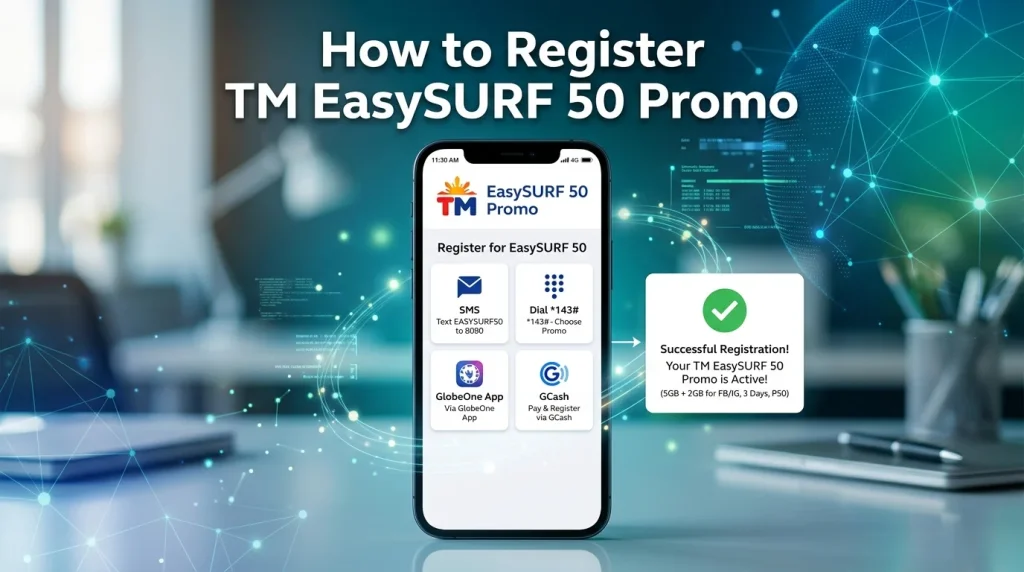
Via SMS
SMS registration is one of the fastest ways to activate EasySURF 50.
- Open the Messages app on your phone.
- Type EZ50.
- Send it to 8080.
- Wait for the confirmation message.
Via *143# Menu
Users can also register through TM’s official USSD menu.
- Dial *143#.
- Select EasySURF or Data Promos.
- Choose EasySURF 50 from the available options.
- Confirm your registration request.
- Wait for the activation confirmation message.
Via GlobeOne App
- Open the GlobeOne app and sign in.
- Tap “Buy Promos.”
- Select TM EasySURF 50.
- Complete the purchase and confirm the transaction.
Via GCash
- Open the GCash app.
- Select “Load.”
- Enter your TM mobile number.
- Choose EasySURF 50 or the available TM promo option.
- Confirm payment and wait for the activation message.
How to Check TM EZ50 Balance
Checking your remaining balance helps you manage data usage and avoid unexpected interruptions. TM users can monitor their remaining data allocation, app bundle usage, and promo validity through several methods.
Via *143# Code
- Dial *143# on your TM number.
- Select the balance or account information option.
- View your remaining data and active promo details.
Via SMS
TM also allows users to check their promo status through SMS commands. After sending the required keyword, you will receive a message showing your remaining balance and promo validity.
Via GlobeOne App
The GlobeOne app provides a detailed view of your active EasySURF 50 promo. Users can check remaining data, free app allocation, and expiration dates in real time.
Via GCash App
Users who registered through GCash can also view recent promo purchases and transaction history inside the app. This helps verify successful promo activation and load purchases.
TM EZ50 Promo Validity and Renewal
TM EasySURF 50 remains active for 3 days from the time of successful registration. During this period, users can enjoy their open-access data and selected app bundle benefits until the promo expires.
Checking Promo Validity
Users can check the remaining validity of their EZ50 promo through the GlobeOne app, *143#, or SMS balance inquiries. Monitoring the expiration date helps prevent unexpected service interruptions.
Promo Renewal Information
TM EasySURF 50 does not always renew automatically. Users may need to register the promo again after it expires to continue enjoying the included data benefits. Before renewing, make sure your TM SIM has enough balance for the next subscription cycle.
How to Extend TM EZ50 Promo
Users who need continued internet access can extend TM EasySURF 50 before or after the current promo expires. Extending the promo helps avoid interruptions while browsing, streaming, studying, or using social media apps.
TM users can extend EasySURF 50 by registering the same promo again through SMS, *143#, the GlobeOne app, or GCash. Once the registration is successful, a new validity period and data allocation will apply based on the active promo terms.
Before extending the promo, check your remaining balance and current promo status to avoid registration errors or failed transactions.
How to Unsubscribe From TM EZ50
Users who no longer need the EasySURF 50 promo can stop the service before registering for another promo. This helps avoid confusion when managing multiple active TM offers. Users planning to upgrade their mobile experience can also learn how to convert a physical TM SIM to a TM eSIM for compatible devices.
To unsubscribe from EZ50:
- Open the Messages app on your phone.
- Type the appropriate cancellation keyword provided by TM.
- Send it to the designated TM number.
- Wait for the confirmation message.
Users can also manage active promos through the GlobeOne app. If the cancellation request does not process successfully, check your promo status first or contact TM customer support for assistance.
Who Should Use TM EasySURF 50?
TM EasySURF 50 works best for users who need affordable mobile data for short-term internet access. The promo offers enough data for common online activities without requiring a large prepaid budget.
TM EasySURF 50 is a practical choice for users who need reliable internet for a few days without committing to more expensive weekly or monthly data packages.
Benefits of TM EZ50 Promo
TM EasySURF 50 remains a popular choice because it combines affordability and flexibility in one prepaid package. Users get both open-access data and app-specific data, making it easier to stay connected throughout the promo period.
For users who need short-term internet access without spending too much, TM EasySURF 50 offers a practical balance between cost and data benefits.
Common TM EZ50 Problems
Most TM EasySURF 50 users activate the promo without issues, but some may occasionally experience registration or connectivity problems. These issues are usually easy to fix and often relate to balance availability, network conditions, or device settings.
Promo Not Activating
A promo may fail to activate if your TM SIM does not have enough balance or if there is a temporary network issue. Always check your balance and wait for the confirmation message before using mobile data.
Data Not Working
Some users receive a successful activation message but cannot access the internet. Turning mobile data off and on, restarting the device, or checking APN settings often resolves the issue.
Slow Internet Speed
Internet speed may become slower during peak usage hours or in areas with weak network coverage. Network congestion and heavy data usage can also affect browsing and streaming performance.
Promo Expired Early
Users sometimes think their promo expired early when they have already consumed the available data allocation or reached the promo validity limit. Checking your remaining balance and promo status can help confirm whether the promo is still active.
Tips to Get More Value From EasySURF 50
A few simple habits can help you make your EasySURF 50 data last longer. These tips are especially useful for users who rely on mobile data for daily browsing, studying, or social media use.
Using these practices can help you maximize your EZ50 benefits and avoid running out of data before the promo expires.
Conclusion
TM EasySURF 50 is a budget-friendly data promo for users who need reliable internet access without spending too much on mobile data. With open-access data, daily app bundle benefits, and multiple registration options, it offers a convenient solution for browsing, messaging, online classes, and everyday online activities.
Whether you are a student, casual internet user, or social media enthusiast, EasySURF 50 provides good value for its price. Before subscribing, compare the available app bundles and choose the one that best fits your daily internet needs to get the most from your TM promo.